

You are reading Part 5 of our 12-part Non-Profit Authority Series.
A non-profit should secure Microsoft 365 using a layered approach that protects accounts, email, identities, cloud activity, data, and employees. For a 15-30 employee organization, Microsoft 365 security should not be treated as a one-time setup project. A practical strategy combines account controls with email filtering, security awareness training, monitoring, backup, documented administration, and ongoing maintenance. These controls can reduce risk and support compliance readiness, but no Microsoft 365 configuration can guarantee that an account or organization will never be compromised.
The 6-Layer Microsoft 365 Security Framework
Non-profit leaders can evaluate Microsoft 365 security through six layers:
- Identity and access
- Email protection
- Employee awareness
- Cloud activity monitoring
- Data protection and recovery
- Ongoing management and documentation
A weakness in one layer can affect the others.
Start With Identity and Access
Microsoft 365 is more than an email system.
Depending on how the organization uses it, an employee account may provide access to email, files, collaboration systems, organizational information, and other connected cloud resources.
That makes the identity itself valuable.
Leadership should understand:
- Who has Microsoft 365 accounts?
- Who has administrative privileges?
- How are new accounts created?
- How are departing employees removed?
- Are appropriate authentication controls enabled?
- How is privileged access managed?
- Are unused accounts still active?
- Who reviews changes to the environment?
Multi-factor authentication should be part of the security discussion, but security should not stop there.
A compromised user can create risk even when the employee’s workstation itself is healthy.
2. Protect Email Before It Reaches the Employee
Email security creates an additional layer between an attacker and the employee.
WTITC’s Complete Security Package includes Inky email security as part of its broader user and environment protection strategy.
The purpose is not to promise that every malicious email will be stopped. The objective is to reduce exposure while combining filtering with other controls.
Non-profits can be particularly dependent on external communication. Employees may routinely receive messages from donors, volunteers, vendors, community partners, board members, and people they have never communicated with before.
That makes a simplistic rule such as “never open an email from someone you don’t know” unrealistic. Employees need both technical controls and the ability to make better decisions.
3. Train Employees to Recognize Suspicious Activity
Employees should not be expected to become cybersecurity experts.
They should, however, receive enough training to recognize common warning signs and know how to report suspicious activity.
WTITC’s Complete Security Package includes BullPhish ID security awareness training.
Useful employee training should reinforce behaviors such as:
- Slowing down when a message creates urgency
- Verifying unusual financial requests
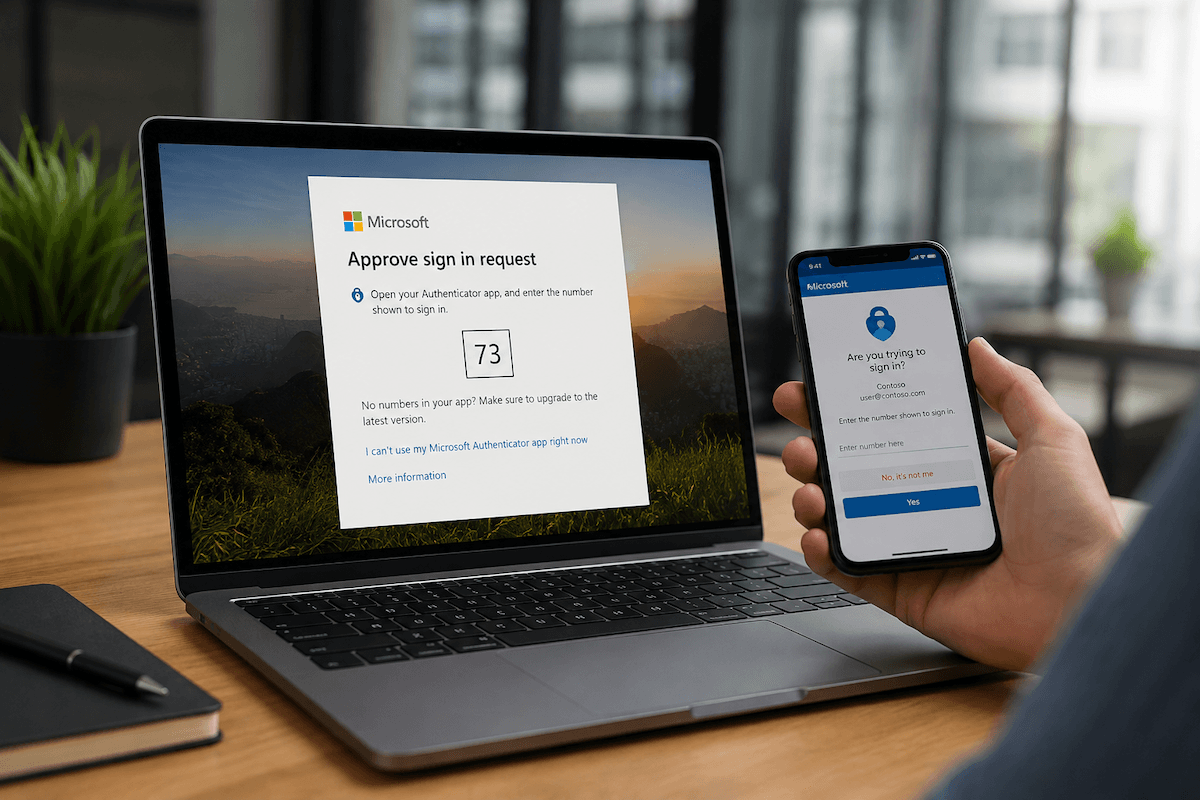
- Questioning unexpected login prompts
- Recognizing suspicious links or attachments
- Reporting questionable messages
- Understanding why credentials should not be shared
- Following organizational security policies
This also supports policy enforcement and can provide useful evidence that an organization is actively addressing user-related security risk.
For some non-profits, that documentation may be relevant to insurance, funding, contractual, or regulatory reviews.
It does not guarantee compliance, but it can support compliance readiness.
4. Monitor Cloud Activity and Credential Risk
Some security problems happen in cloud services rather than on the local workstation.
WTITC’s Complete Security Package includes:
- Dark Web ID monitoring
- SaaS Alerts
- Microsoft 365 management and maintenance
Dark web monitoring can provide visibility when credential-related information appears in monitored sources.
SaaS monitoring can add visibility into activity in supported cloud environments. The purpose is to create additional opportunities to identify risk.
This matters because an attacker using valid credentials may not look like malware running on a computer. Security teams therefore need visibility into both devices and users.
5. Protect Data and Establish Recovery Expectations
Cloud services should not eliminate the backup conversation.
WTITC’s Essentials Security Package includes Datto SaaS Protection where applicable, along with unified device backup.
Leadership should understand
- What Microsoft 365 data is protected?
- How long is it retained?
- What can be restored?
- Who can initiate a restore?
- What happens after accidental deletion?
- What happens if malicious activity affects cloud data?
- How does cloud backup relate to the organization’s broader recovery strategy?
Backup and Business Continuity and Disaster Recovery should also be distinguished.
A backup provides protected data. BCDR addresses a broader operational question about how systems and business functions recover after a serious disruption.
That distinction becomes important when leadership is evaluating the consequences of downtime.
6. Manage Microsoft 365 as an Ongoing Environment
Microsoft 365 security should not be configured once and forgotten.
Employees join and leave. Responsibilities change. Administrators change. Security threats change. New applications are introduced. Old accounts may remain. Permissions accumulate.
Ongoing management should therefore include:
- Account administration
- Security configuration review
- Documentation
- Monitoring
- User changes
- License and service awareness
- Access review
- Response to identified issues
Technology alignment applies directly to Microsoft 365.
When accounts, devices, policies, and employee needs remain aligned, the organization reduces unnecessary friction while maintaining stronger control over the environment.
A structured security and compliance review helps leadership document controls, identify Microsoft 365 gaps, and prepare evidence for audits, insurance requests, or other formal reviews.
Hypothetical Example: Microsoft 365 at an 18-Employee Non-Profit
Consider a hypothetical Midland non-profit with 18 employees and 20 managed endpoints.
The organization uses Microsoft 365 extensively, but its security practices developed gradually. Several employees have administrative privileges, employee security training is inconsistent, and leadership is unsure how cloud activity is monitored.
A structured improvement process could include:
- Reviewing administrative access.
- Confirming appropriate identity controls.
- Implementing or validating email security.
- Establishing employee security awareness training.
- Reviewing SaaS monitoring.
- Confirming Microsoft 365 backup.
- Documenting management responsibilities.
- Establishing an ongoing review process.
The expected result is a more controlled Microsoft 365 environment with clearer accountability and fewer unmanaged security gaps.
Microsoft 365 Security Checklist
Ask your IT provider:
- Who administers Microsoft 365?
- Are privileged accounts limited appropriately?
- Are authentication controls configured appropriately?
- How is email filtered?
- Do employees receive security awareness training?
- Is credential exposure monitored?
- Is cloud activity monitored?
- Is Microsoft 365 data protected?
- How are departing users handled?
- How are permissions reviewed?
- What security events create an alert?
- Who responds to those alerts?
- What documentation exists?
- Can we provide evidence of controls during a review
For leadership, the last question is particularly useful.
Security that cannot be explained or documented can be difficult to evaluate.
How Does Microsoft 365 Fit Into the Managed IT Budget?
WTITC’s Complete Security Package is the standard recommendation for most organizations because it extends protection beyond the endpoint to users, email, identities, and cloud services.
For overall planning, a properly secured managed IT environment can generally be considered in the $125-$175 per endpoint per month range, although actual pricing varies based on users, endpoints, security package, environment size, optional services, projects, cloud requirements, and other factors.
Microsoft 365 should therefore be considered part of the broader technology and security strategy, not a separate application that no one actively owns.
Explore managed services that combine device protection, user security, Microsoft 365 management, monitoring, documentation, and proactive technology alignment.
